3.3.3.
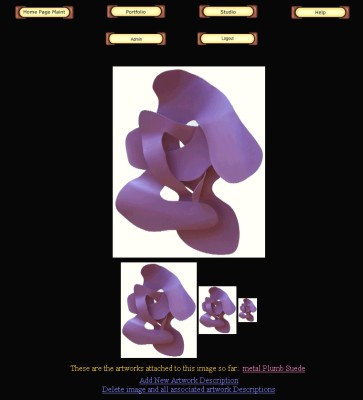 Once
added to the studio a micro version of the image will show up in
the upper left of the artwork grid. Clicking on the image allows
you to add a description for the image, converting it into an artwork.
If there is an artwork description attached to the image it will
show up next to "These are the artworks attached to this image
so far:" Once
added to the studio a micro version of the image will show up in
the upper left of the artwork grid. Clicking on the image allows
you to add a description for the image, converting it into an artwork.
If there is an artwork description attached to the image it will
show up next to "These are the artworks attached to this image
so far:"
If no artwork is assigned to this photo you can click on the "Add
New Artwork Description" link to create one. You will then
be brought to a new description with this image as the artwork.
This is the Modifying Artwork Description page. NOTE you must change
the title of the description from "New Description" to
something else and hit save. This title is used as a tag to tell
us what new image is to be described.
To delete the image from the studio click on the "Delete image
and all associated artwork Descriptions" link. This will remove
the image as well as any artwork description attached to it from
your account.
|
