|
 The
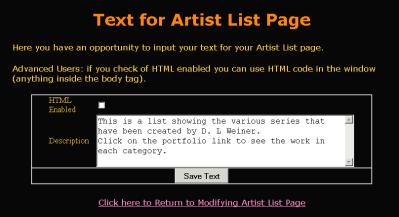
informative text is a area of text you can easily modify. This text
is displayed in the template font and color picked in the text formatting
screen. For long text compositions we recommend you use a package
similar to MS Word to create the text. Then cut and past the text
from that application into the dialog boxes. Note this makes spell
checking easier since you can do it in MS Word before transferring
it to the dialog box. The
informative text is a area of text you can easily modify. This text
is displayed in the template font and color picked in the text formatting
screen. For long text compositions we recommend you use a package
similar to MS Word to create the text. Then cut and past the text
from that application into the dialog boxes. Note this makes spell
checking easier since you can do it in MS Word before transferring
it to the dialog box.
For more advanced users you can enable the HTML switch to use the
text in the dialog box as is. You can put any HTML code that goes
inside the BODY tag you want in the box. When referring to any objects
use absolute addresses.
|