|
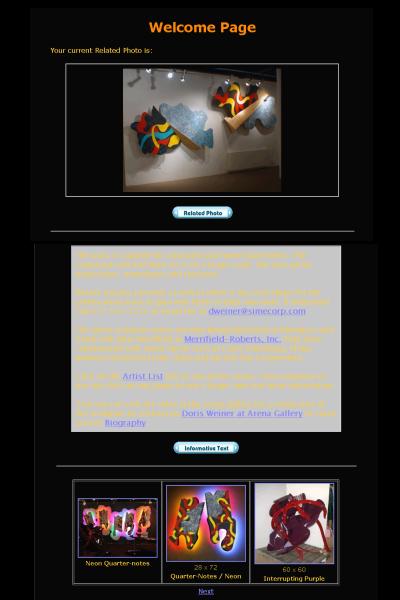 The
Welcome page is the first page someone will see when visiting your
website. It contains Related Photo, Informative Text and an Artwork
Display Controls. This page you will want to change frequently so
your visitors will always see something fresh and have a reason
to revisit. The Related Photo can be used to show a new installation,
recent show, your gallery' front door, etc. The
Welcome page is the first page someone will see when visiting your
website. It contains Related Photo, Informative Text and an Artwork
Display Controls. This page you will want to change frequently so
your visitors will always see something fresh and have a reason
to revisit. The Related Photo can be used to show a new installation,
recent show, your gallery' front door, etc.
The Welcome page does not contain and Enable Web Page control. This
is because your website needs at least one page. To enable your
Welcome page you just click on the Welcome link as if you were editing
that template.
 For
the tutorial click on the Welcome page link to edit the welcome
page. For
the tutorial click on the Welcome page link to edit the welcome
page.
For
the tutorial you will want to add a little text to your welcome
page. Click on the INFORMATIVE TEXT link and add some text such
as "hello world, welcome to my website". For more information
see informative text.
For more information see:
|